|
| Create unlimited email templates |
| Customize emails using colors, graphics, logos etc. |
| Send personalize email content for every ticket type |
| Choose dates and times to send automatic reminder emails |
| Insert event (match, concert) information and agenda |
| Reuse email templates from previous events |
|
|
 |
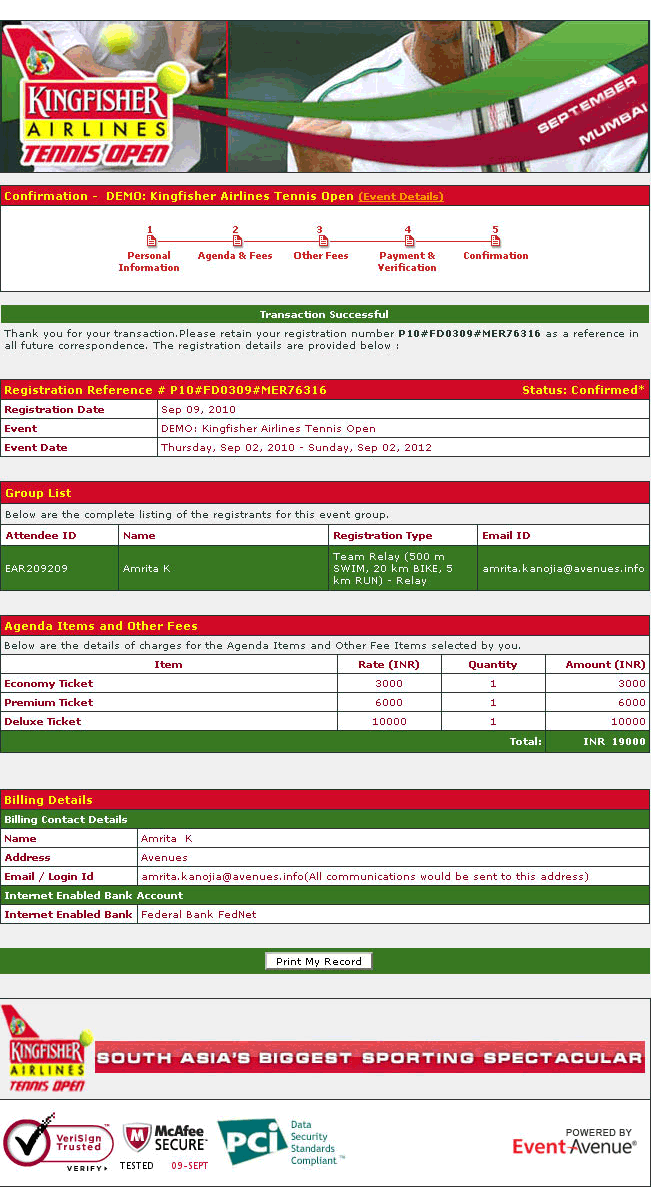
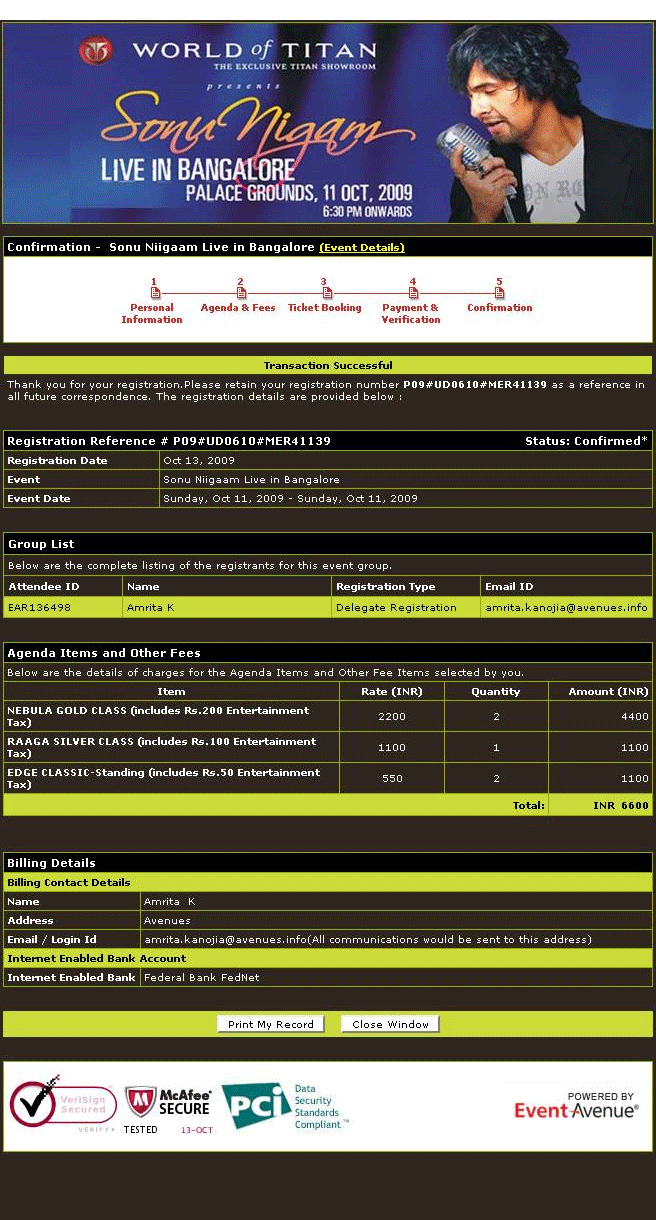
| On booking, attendees receive confirmation emails |
| Attendees receive notification emails incase of booking failure |
| You receive notification emails every time an attendee books, cancels or if there is a booking failure |
| Add secondary email addresses to be notify relevant staff |
|
|
 |
| Inform potential attendee’s of your match, concert using emails |
| Create specialized content for different target audiences |
| Create customized emails on an audience to audience basis |
| Use EventAvenue’s auto-email functionality to send out customized newsletters, event invitations and confirmation and reminder emails |
| Pre-schedule emails to be sent to reduce workload during the event |
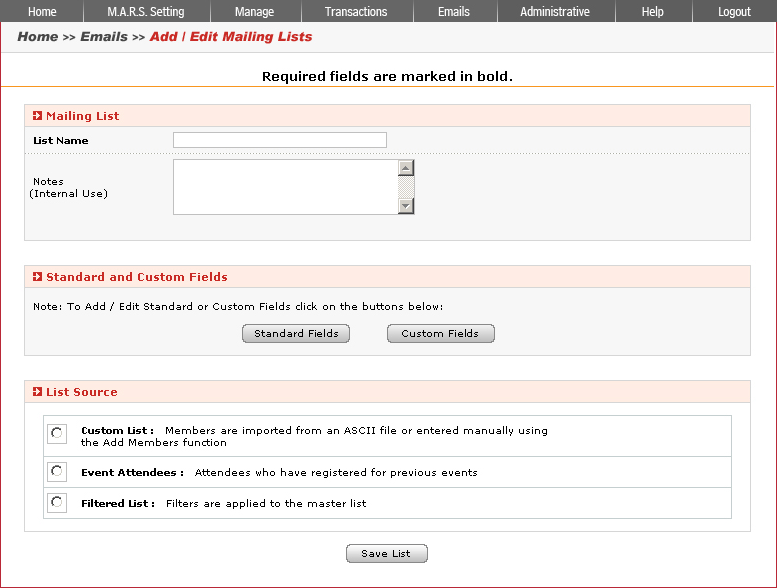
| Automated Email feature enables you to simultaneously send multiple delegates personalized email invitations with link to registration page |
| Easy to import feature allows you to include multiple email ids at once |
|
|
 |
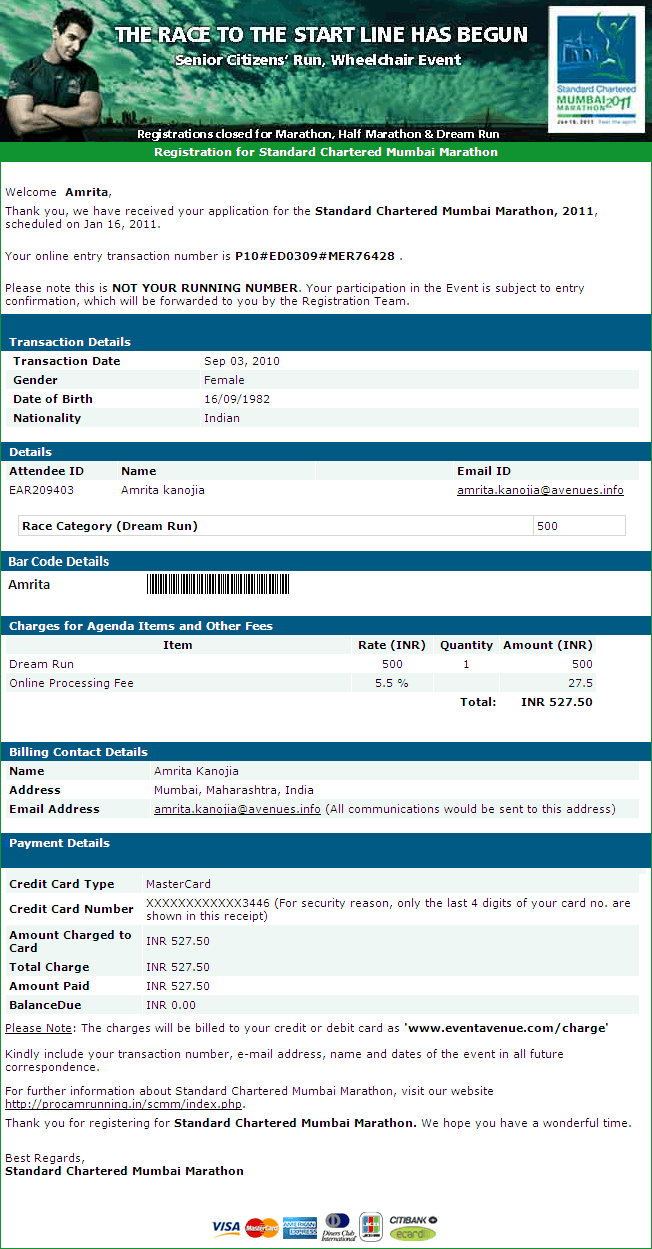
| Use the auto-confirmation mail as an e-ticket |
| Insert an unique bar code into the e-ticket and track and monitor attendees easily |
| Generate unique bar codes using information such as the Attendee ID, which is generated during the registration process |
| Insert the bar code in the auto confirmation email easily and save on printing and couriering costs |
| Use the bar code email ticket as an alternative to creating a separate e-ticket |
|
|